
Guide
What is contactless ordering?
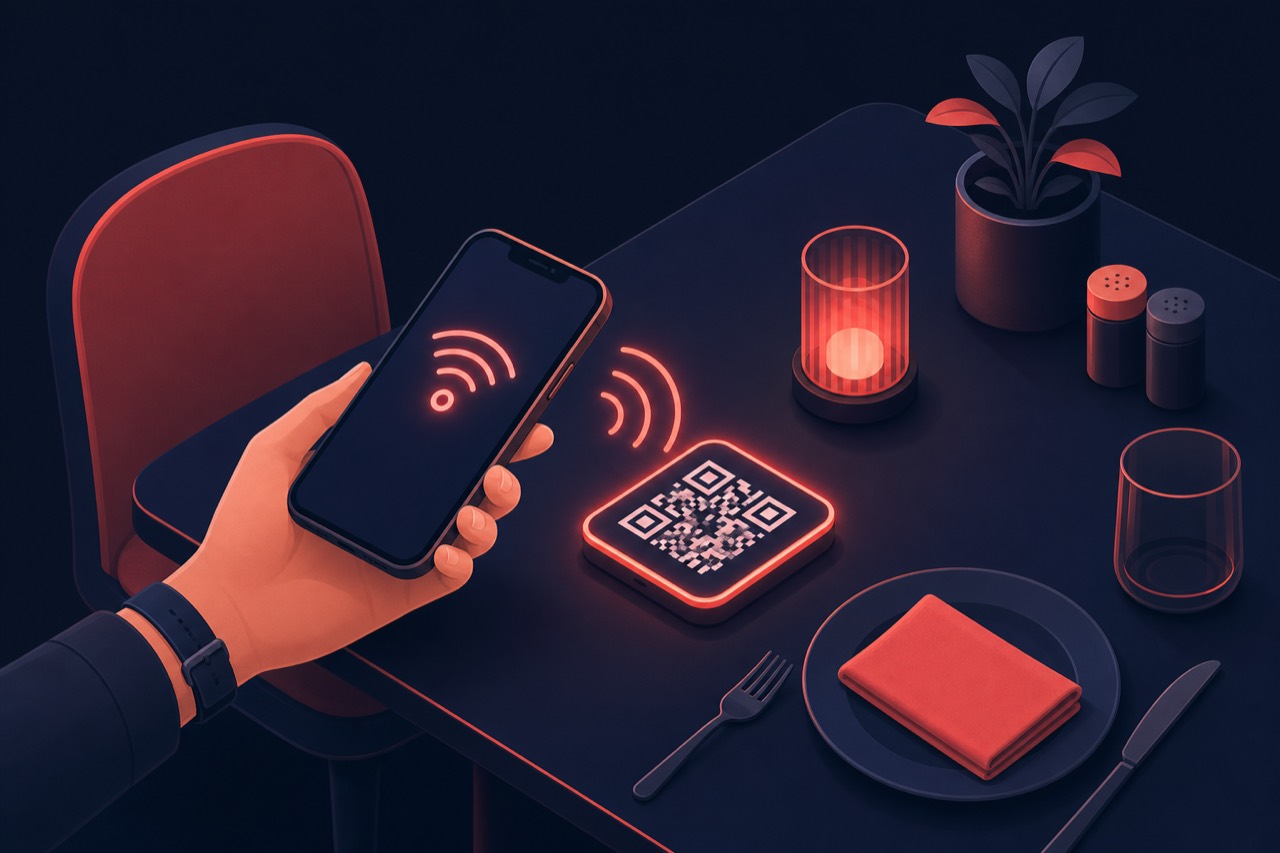
Contactless ordering is a method where the customer scans a QR code at the table, opens the menu on their own phone and places an order without needing a physical menu or contact.
Short answer
Contactless ordering is a method where the customer scans a QR code at the table or on the package with their phone, reaches the digital menu, and completes the order — and often the payment — from their own device. No printed menu, waiting for a server or cash contact is required; the order drops straight into the kitchen or order panel.
Definition
Contactless ordering combines a digital menu with QR technology so customers order from their own phone. No app download is needed; scanning the QR opens the menu in the browser.
The method works for dine-in as well as takeaway and delivery scenarios. When online payment is added, ordering and payment become fully contactless; waiterless ordering is one application of this model.
How does it work?
Contactless ordering typically works in these steps:
- A unique QR code is placed on each table or package.
- The customer scans the QR with their phone; the digital menu opens in the browser.
- The customer selects items, adds notes and confirms the order from their phone.
- The order drops directly into the kitchen display (KDS) or order panel.
- If online payment is on, the customer pays from their phone; no cash/card contact needed.
Benefits
Contactless ordering speeds up operations and improves the experience.
Faster service
Orders are taken without waiting; table turnover and kitchen flow improve.
Fewer errors
Because the customer enters the order themselves, misunderstandings drop.
No print or contact
The need for printed menus and physical contact disappears; hygiene improves.
Upselling
A visual menu and recommendations increase average basket and add-on sales.
Best practices
To get the most from contactless ordering:
- Link QR codes to table numbers to match each order to the right table.
- Design the menu to load fast and read well on mobile.
- Add online payment and a tipping option to the menu.
- Show popular items and recommendations at the top of the menu.
- Train staff to monitor the order panel.
Related guides and solutions
Frequently asked questions
- Does the customer have to download an app for contactless ordering?
No. When the QR is scanned the menu opens in the phone browser; no app download is required.
- Is contactless ordering only used for dine-in?
No. Besides dine-in it can be used for takeaway and delivery orders via QR and a digital menu.
- How is payment made in contactless ordering?
Online card payment can be made from the phone; pay-at-door or at-counter payment can also be offered.
- Is waiterless ordering the same as contactless ordering?
Waiterless ordering is an application of contactless ordering: the customer completes the whole order and payment from their own phone.
Summary
Contactless ordering is a method where the customer reaches a digital menu via QR and completes the order — and often payment — from their own phone. It needs no printed menu or physical contact, speeds up service, reduces errors and increases upselling.
Get started
Contact us about an online ordering solution for your business and start taking orders on your own channel with Dijifis.